
How Students Use “Grade My Essay” Tools for Better Academic Writing in 2025
As workloads increase and deadlines shorten, more students are searching for fast and reliable ways to grade my essay before submitting their assignments. AI-powered writing tools now offer instant comments on grammar, clarity, structure, and argument quality—supporting students during drafting and revision. The rise of large language models means that academic proofreading is no longer limited to human reviewers; digital platforms can now provide detailed feedback at any stage of writing.

But not all tools serve the same purpose. Some focus on readability, others on grammar, and some specialise in plagiarism checking or structural advice. This is why students often combine multiple tools—or use an integrated platform like PagePeek, which brings grading, rewriting, and proofreading capabilities into one academic workflow.
How “Grade My Essay” Tools Work
Most “grade my essay” systems fall into two categories:
1. Automated Writing Evaluation (AWE)
These tools scan your writing for:
- grammar accuracy
- organisation
- mechanics
- surface-level errors
They provide consistent scoring, making them popular for quick checks.
2. LLM-Based Academic Feedback
These tools deliver deeper, natural-language comments on:
- clarity of thesis
- coherence of argument
- evidence use
- tone and flow
This makes them useful for students who need more than grammar fixes.
When used together, students can combine mechanical accuracy with high-level academic proofreading.
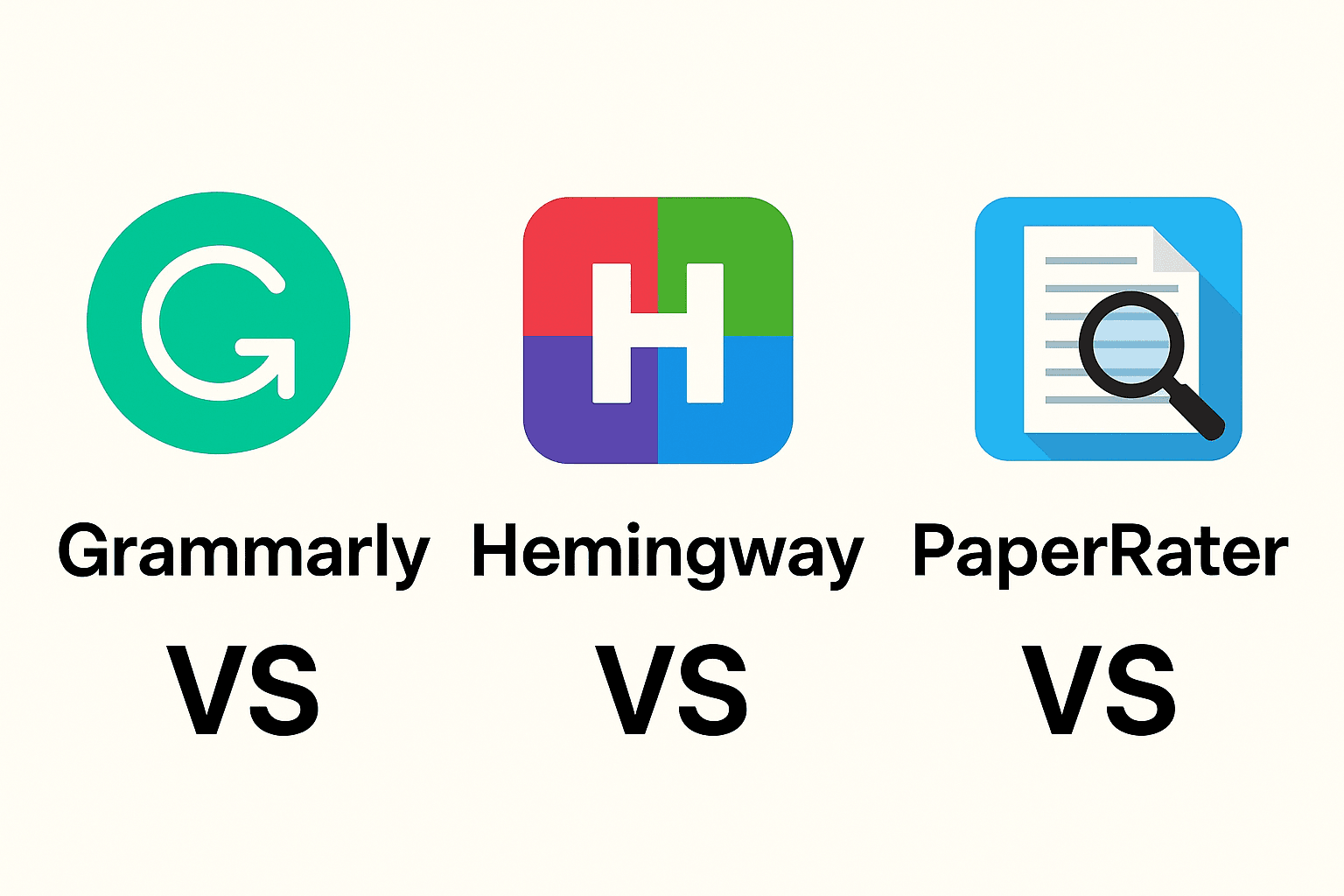
Tool Comparison: Grammarly, Hemingway, and PaperRater
Although many students start with general tools, their strengths differ.
Grammarly: Best for Grammar-First “Grade My Essay” Checks
Grammarly is strong in:
- grammar and punctuation
- tone suggestions
- clarity enhancements
- passive voice control
Its plagiarism checker is helpful, but not as comprehensive as institutional databases. Grammarly works best when you need broad, always-on writing support.
Hemingway Editor: Best for Readability
Hemingway focuses on:
- complicated sentence detection
- wordy phrasing
- passive voice
- readability scoring
It is ideal when you want to rewrite my essay into a more concise, reader-friendly version. However, it lacks deep grammar and academic-style feedback.
PaperRater: Best Free Option
PaperRater offers:
- basic grammar checks
- simple originality scans
- readability hints
It is useful for early drafts, though not as detailed as premium tools.
Where PagePeek Fits In: An All-in-One “Grade My Essay” Solution
While existing tools specialise in grammar or readability, PagePeek is built specifically for academic workflows. It is not just a grammar checker—it functions as a structured academic assistant.
PagePeek helps students:
- Grade my essay using rubric-aligned feedback
- Perform academic proofreading with clarity, structure, and evidence suggestions
- Generate a score estimate based on your academic level (Bachelor, Master, PhD)
- Identify missing citations or weak argumentation
- Improve coherence between paragraphs
- Conduct revision passes within the same document
Students can evaluate and revise their essays without jumping between multiple apps.
Most importantly, PagePeek focuses on learning, not just correcting. It explains why something should be improved, helping students develop writing skills over time.
Best Practices for Using “Grade My Essay” Tools
To get accurate and ethical results, students should follow a structured workflow:
1. Start with an initial “grade my essay” scan
Use PagePeek or a grammar tool to identify obvious errors—tense issues, run-on sentences, and unclear transitions.
2. Move into academic proofreading
Evaluate:
- thesis clarity
- argument strength
- evidence integration
- paragraph coherence
PagePeek’s Deep Study mode helps you spot gaps in logic or unsupported claims.
3. Rewrite your essay where needed
Tools like Hemingway help simplify sentences, while PagePeek rewrites unclear sections without changing your academic tone.
4. Run a plagiarism check
A quick originality scan ensures your draft is safe before submission.
5. Compare your work to the rubric
This is where PagePeek excels: it lets you map your writing to academic criteria so you can see if your assignment meets expectations.
Conclusion: Which Tool Should Students Use?
There is no single perfect tool for every student. Grammarly is excellent for grammar, Hemingway for readability, and PaperRater for basic free scans. But students who want a complete academic workflow—from grade my essay, to academic proofreading, to rewrite my essay assistance—will find PagePeek the most integrated and education-focused solution.
In 2025 and beyond, AI tools will continue shaping how students write, revise, and learn. The goal is not to replace critical thinking, but to support students in producing clearer, stronger, and more academically rigorous work.
Ready to accelerate your research?
Join 50,000+ academics using PagePeek today.